The till that keeps serving.
Tables, tabs, kitchen tickets, card payments and online orders for UK restaurants, cafes, pubs, takeaways and counter shops. One till on the counter, a back office you can open from anywhere.
- Android tills, tablets and phones, now
- iPad and iPhone coming soon
Made for the way you serve
One till for the whole room. It changes with the order, not the other way round.
Restaurants
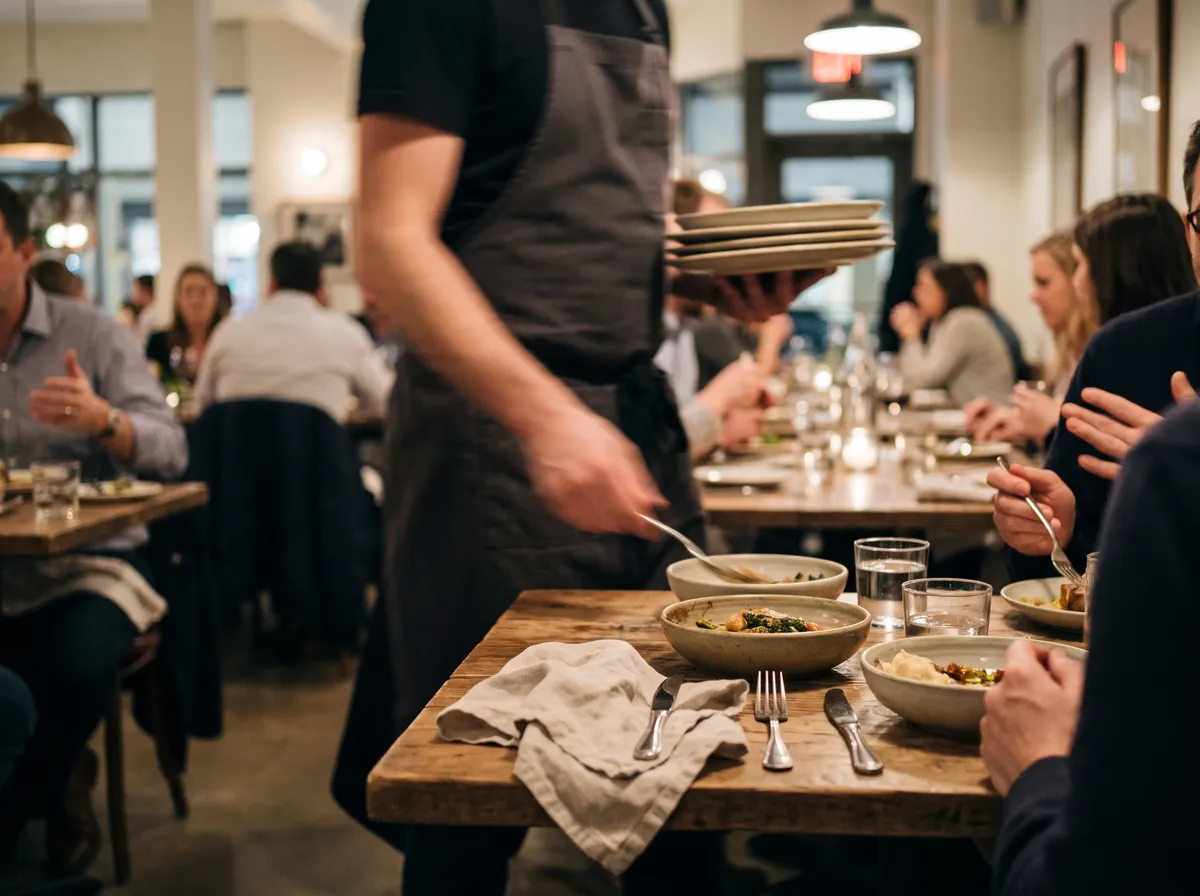
- Table plan and bills that follow the table
- Courses fired to the kitchen when you call them
- Service charge, split bills and allergies
Cafes
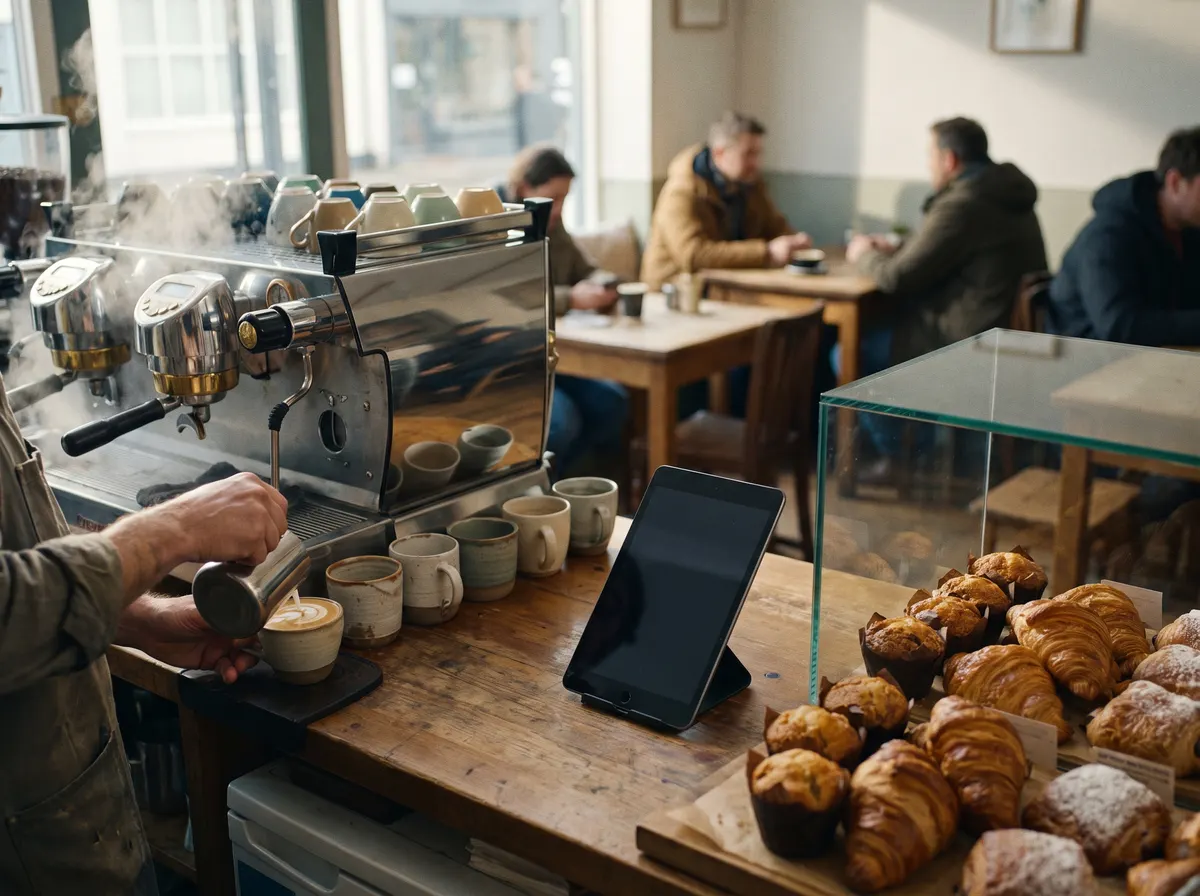
- A queue served in seconds
- Eat in or take away, VAT right either way
- Loyalty points and gift cards
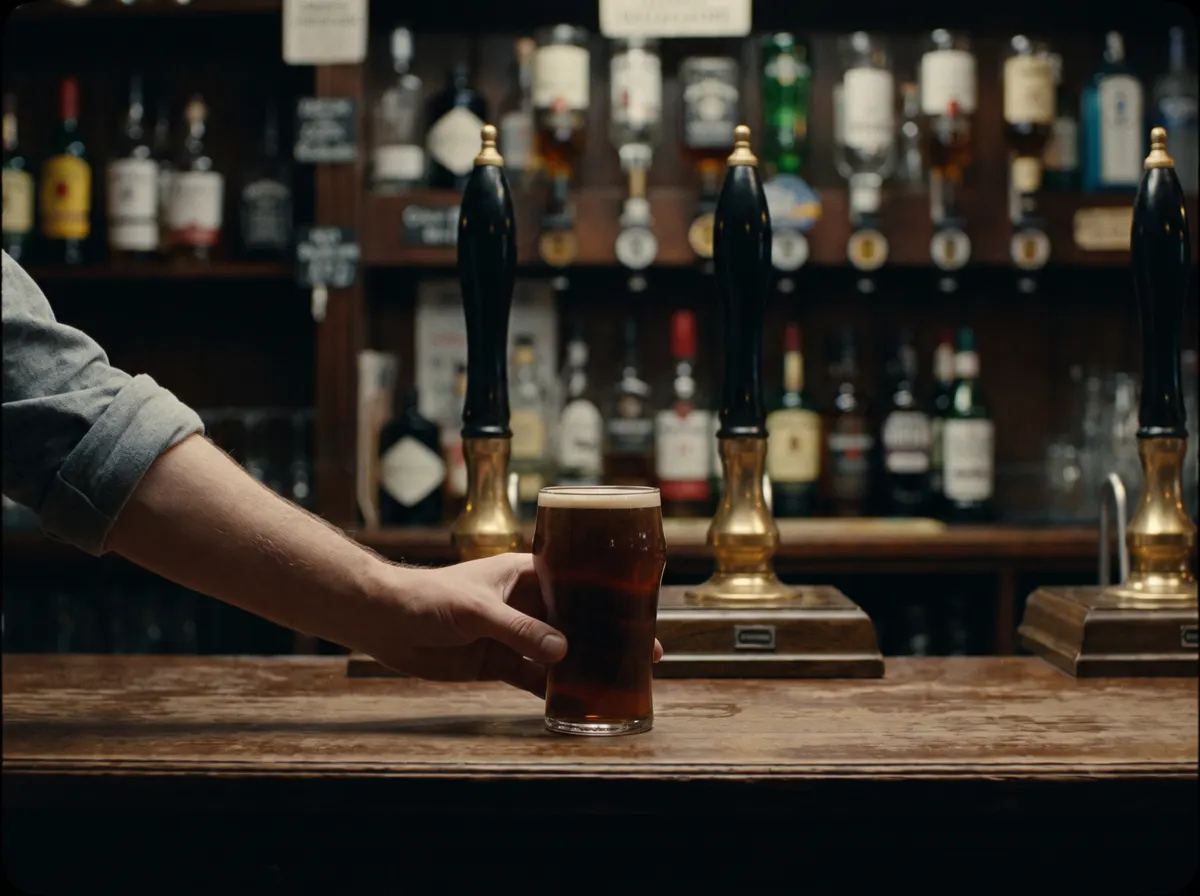
Pubs and bars
- Tabs opened by name, kept across tills
- Happy hour prices that start on time
- Tips and tronc kept apart
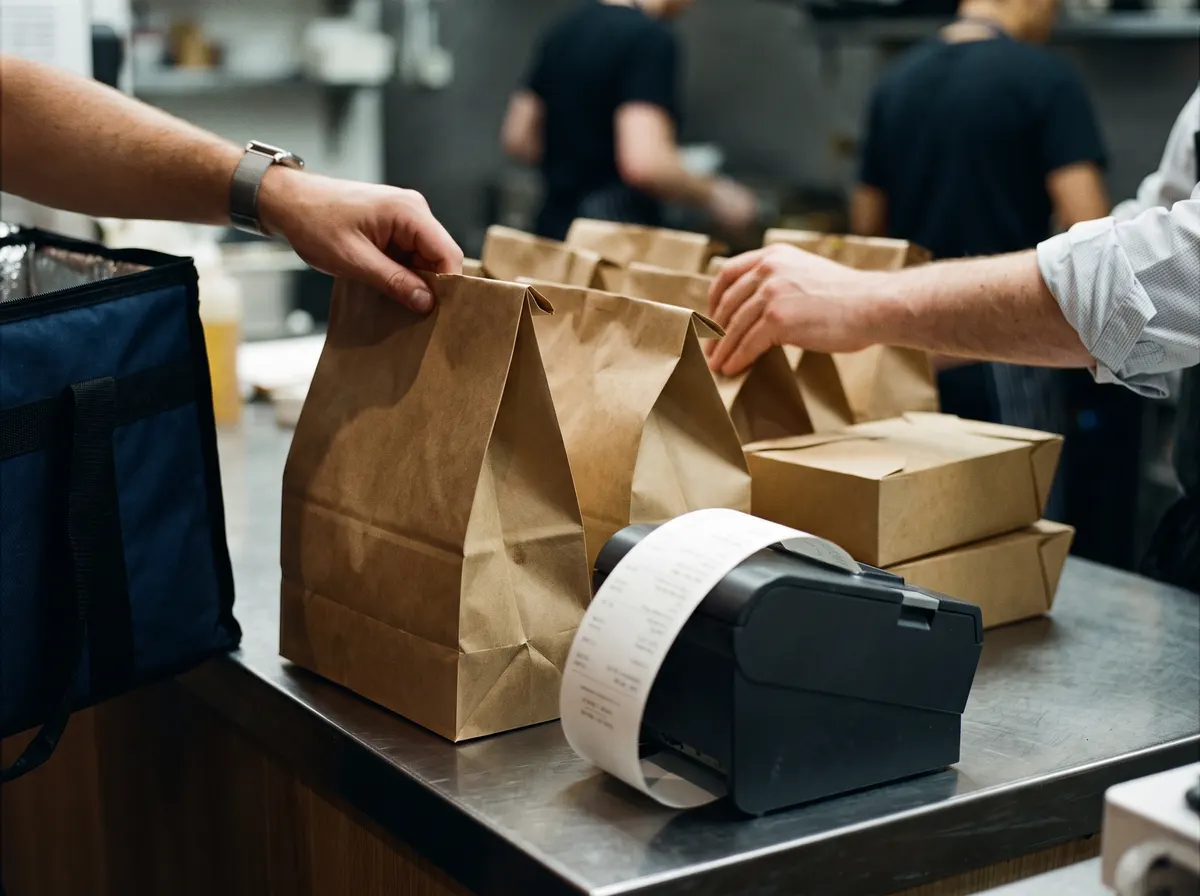
Takeaways
- Collection times and order numbers
- Your own online ordering page
- Delivery platform orders straight to the till
Counter and service shops too
Running a print shop or a service counter? Switch on counter sales: no tables and nothing for the kitchen, each product at its own VAT, and the price typed at the sale where every job is different.
A day on the till
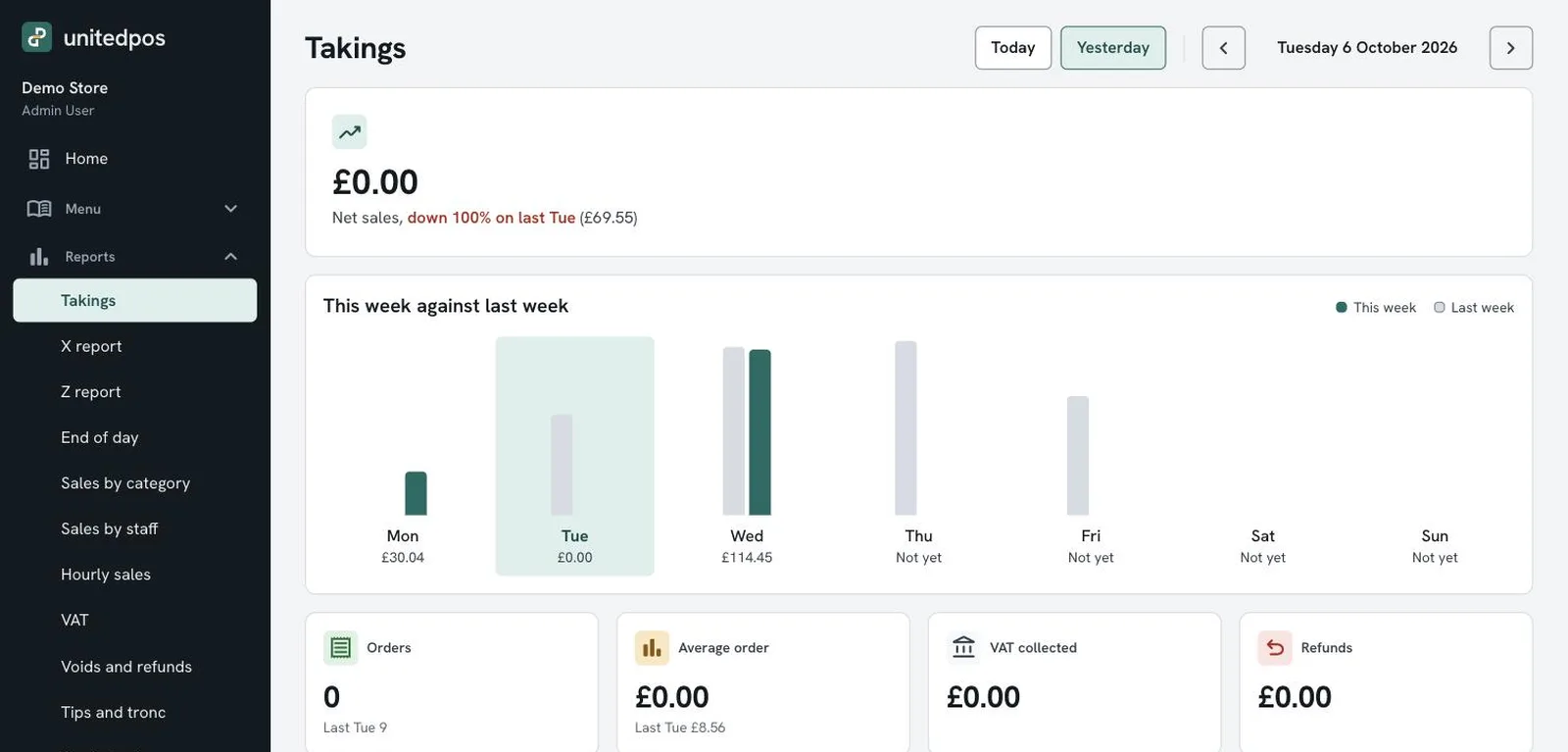
From the first PIN in the morning to the Z report at night. Every screen here is the till as it runs today.
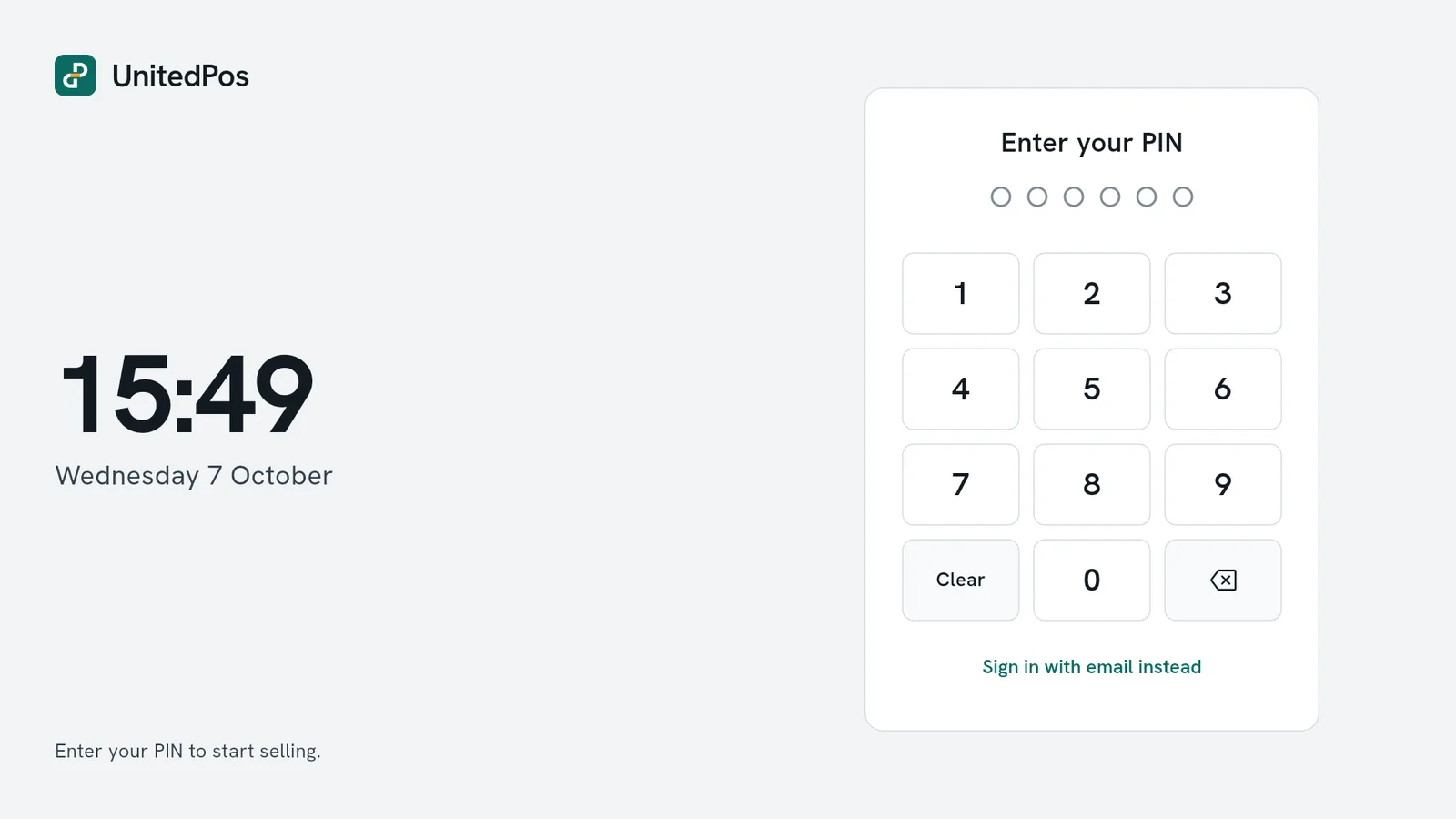
Open the till
Staff sign in with their own PIN, so every sale, void and refund has a name on it. Count the float into the drawer and the register is open for the whole shop.
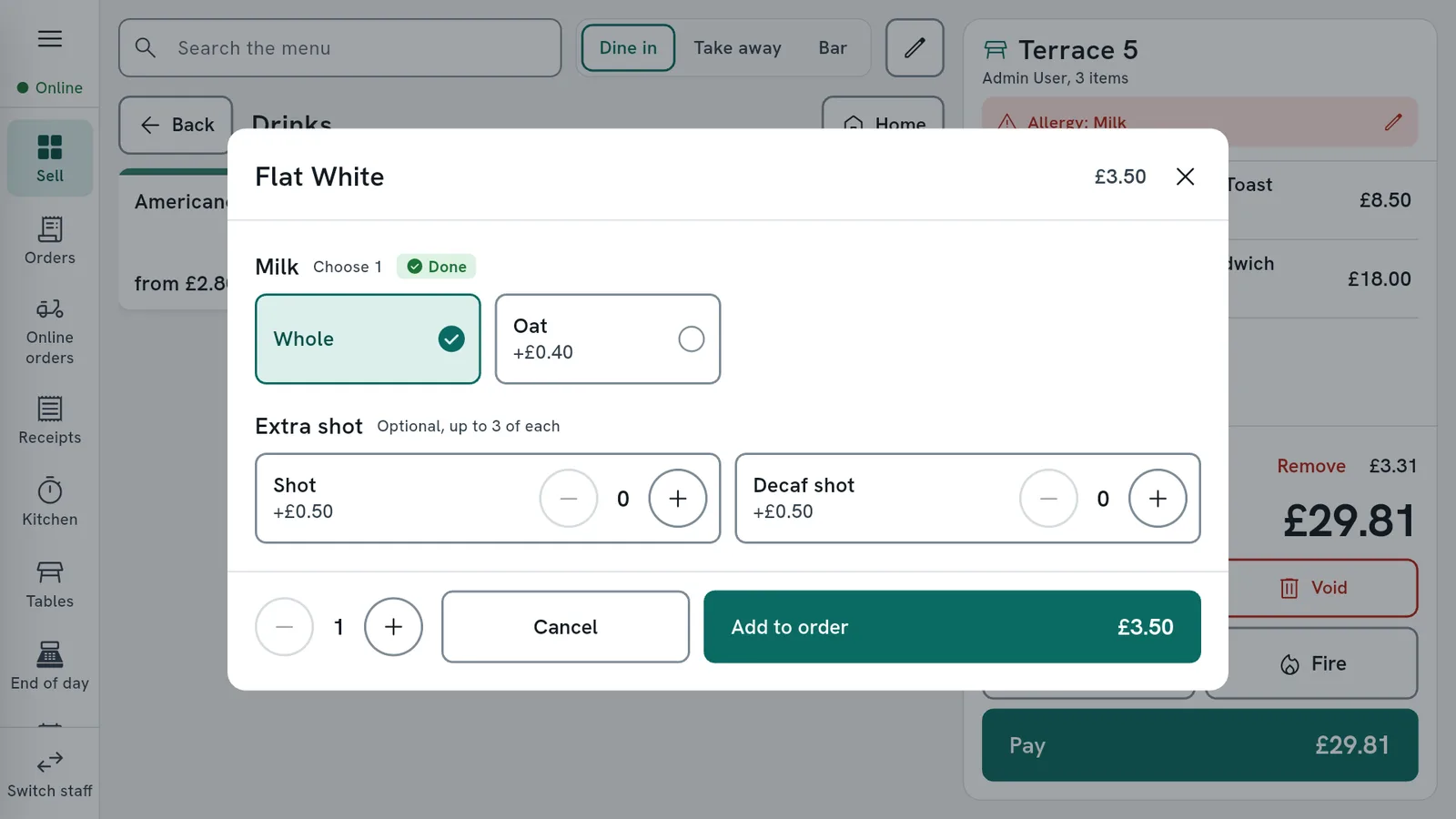
Take the order
Tables, bar tabs and take away on one screen. Take-away VAT is worked out for you, allergies are kept with the table, and service charge goes on the bill only where you want it.
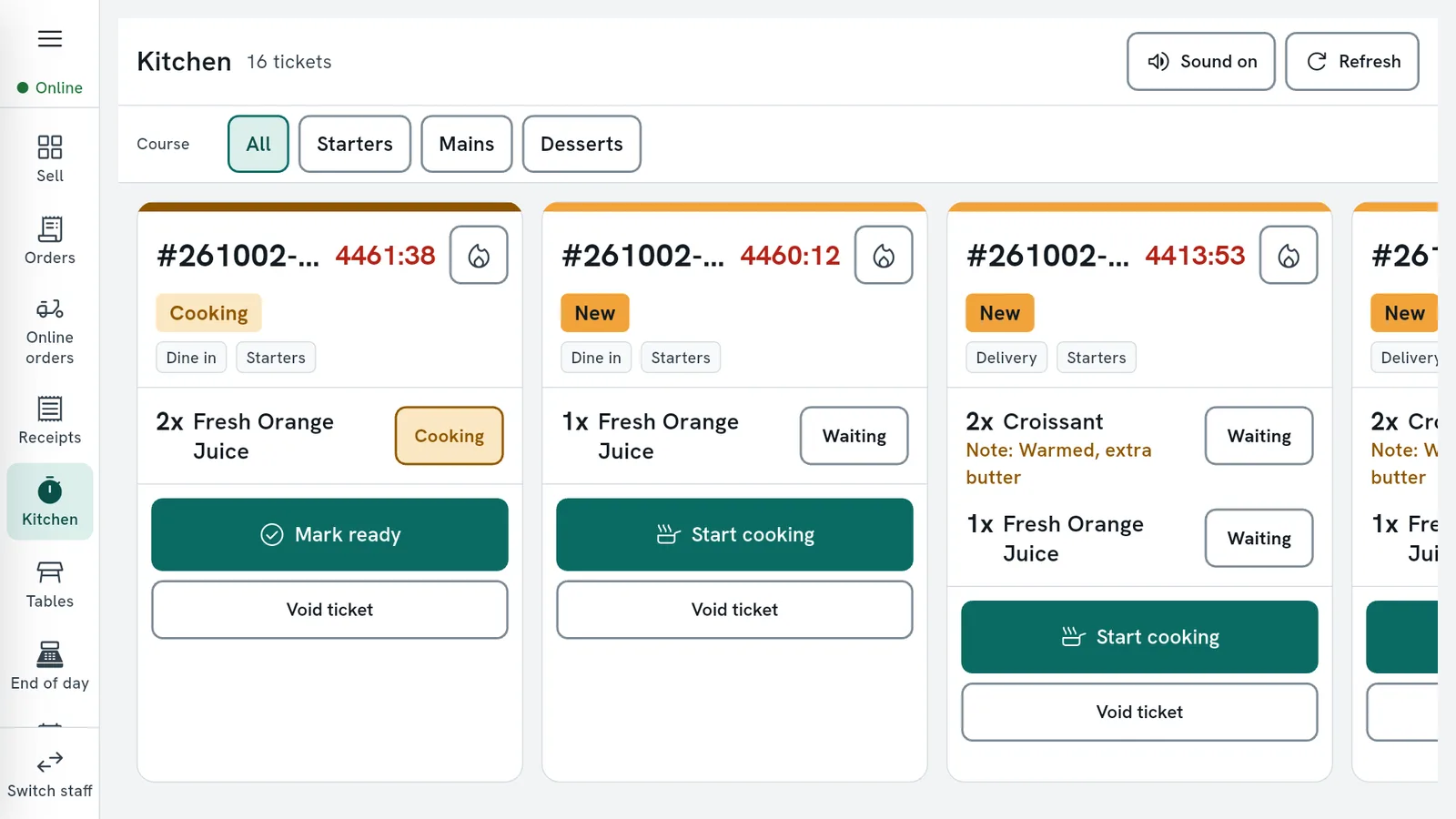
Send it to the kitchen
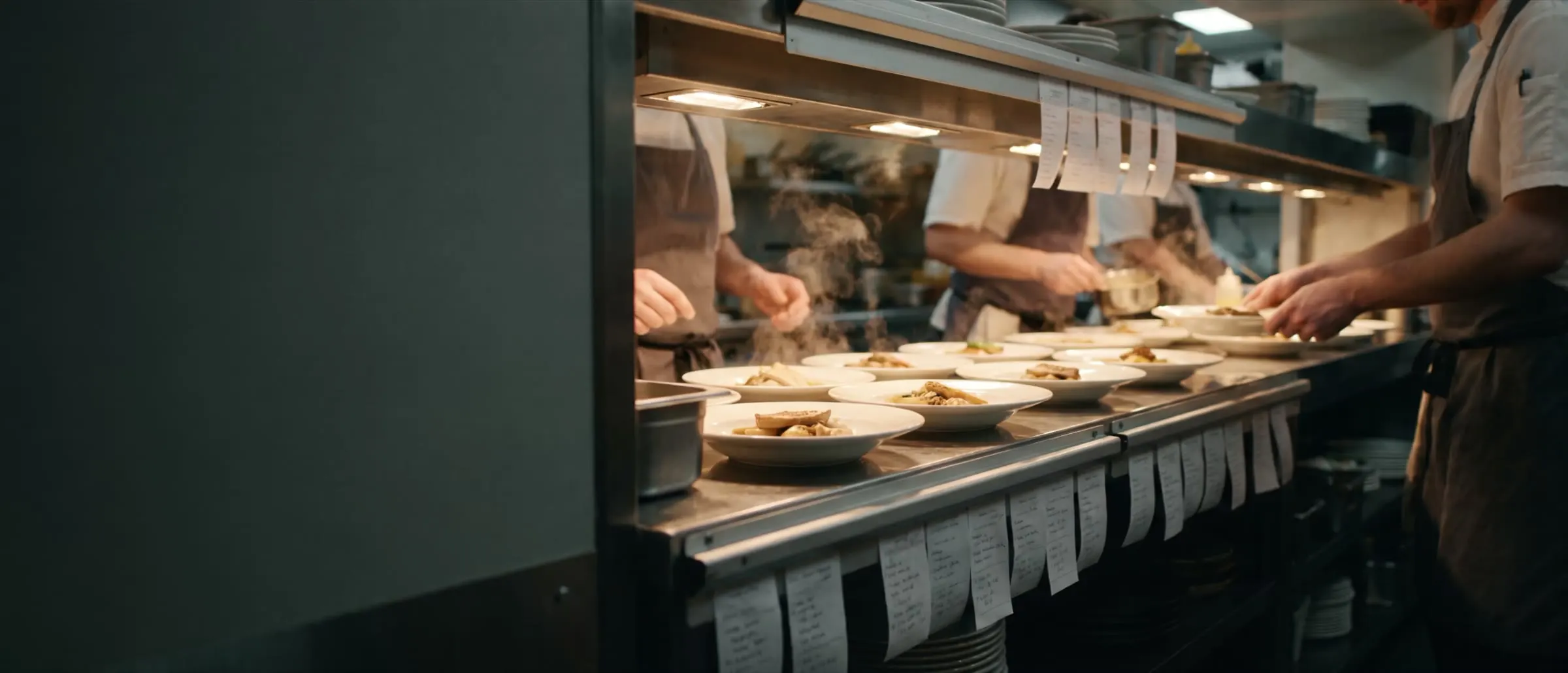
Tickets print on the right printer by course, or show on a kitchen screen that marks each dish cooking and done. Rush a ticket and the kitchen sees it at once.
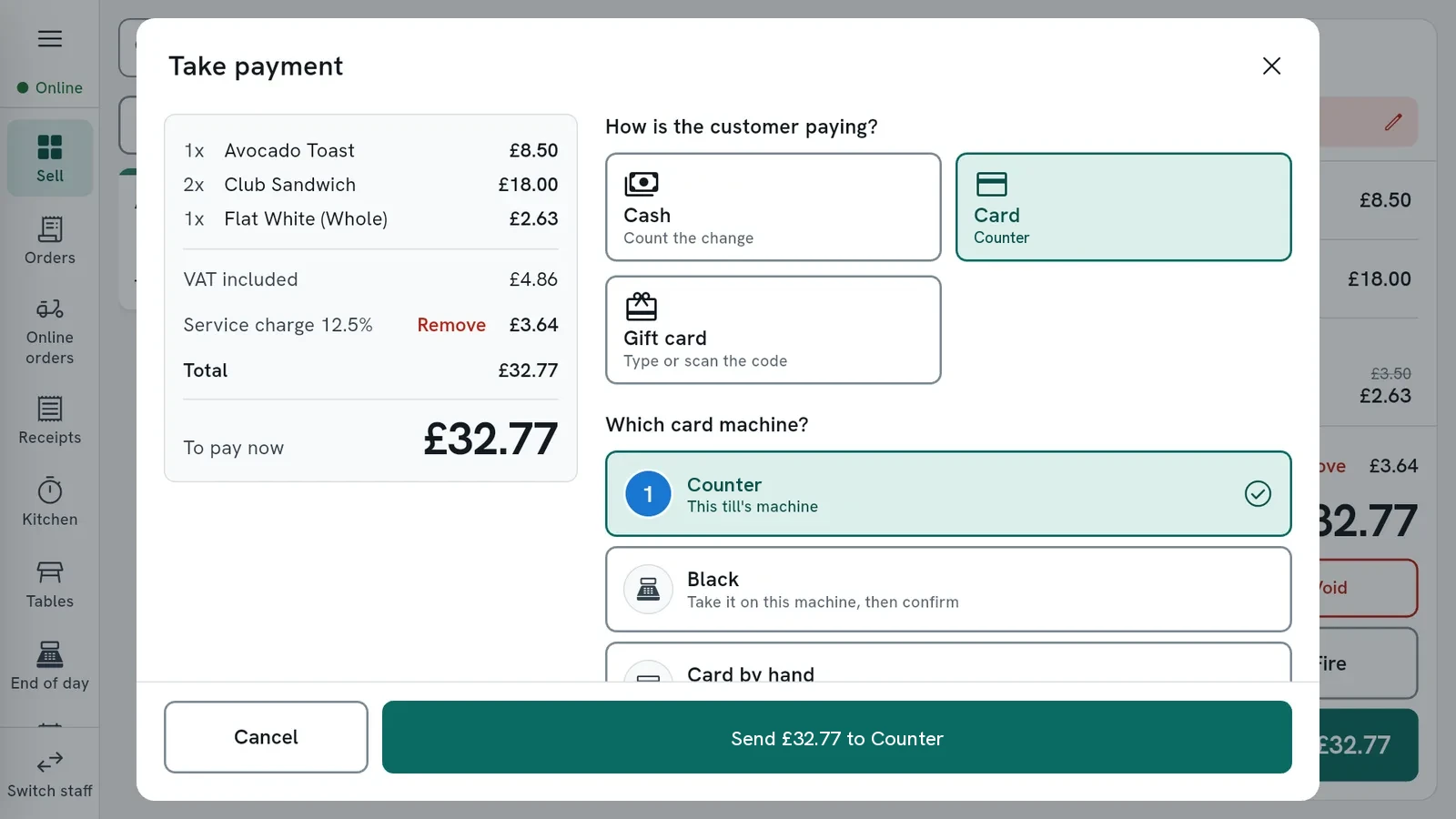
Take payment
Cash with the change counted, the card machine on the counter, a split bill or a gift card. Tips are kept apart from sales, and the receipt prints or goes by email.
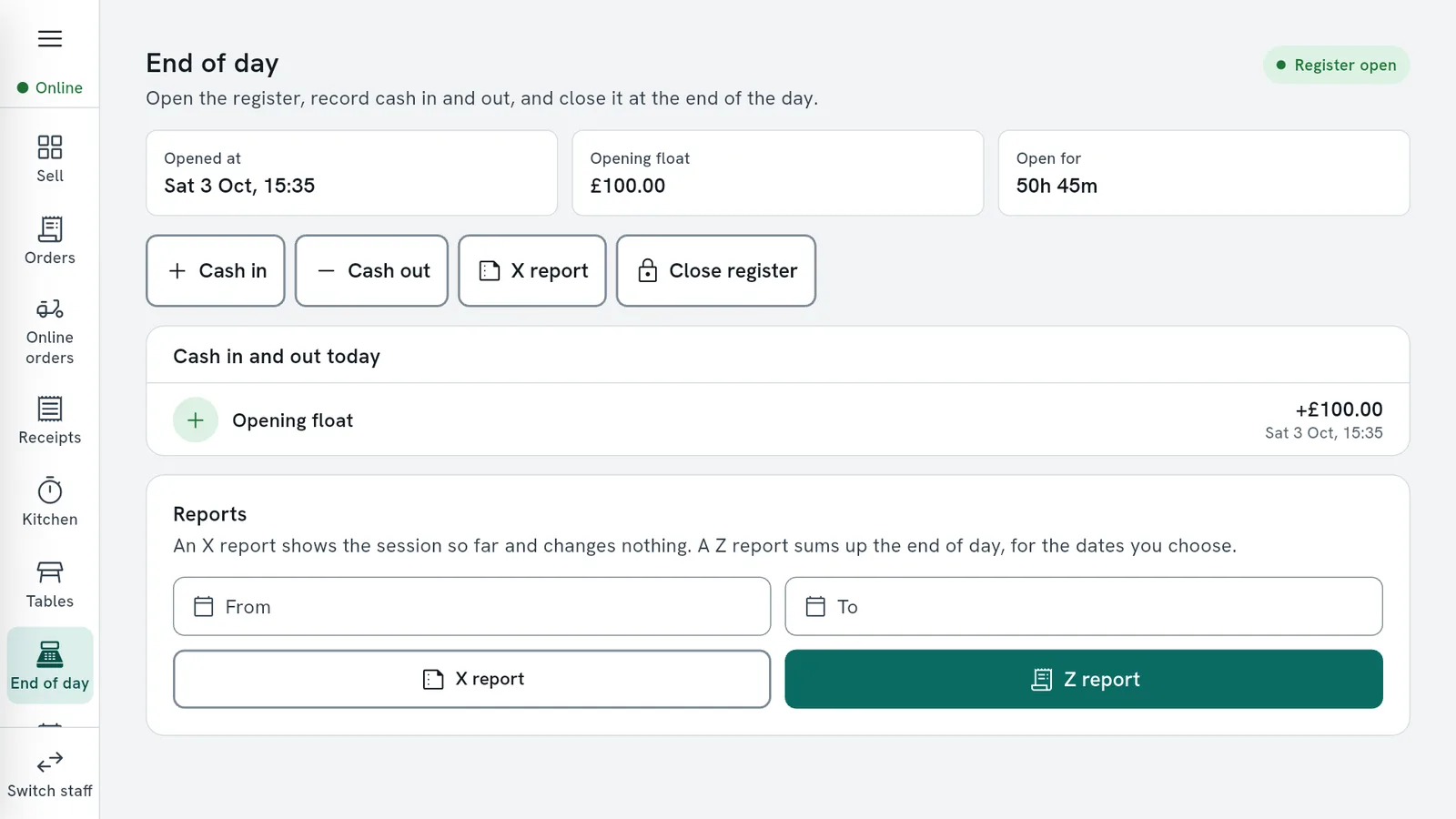
Close the day
The X report shows the day so far, the Z report closes it. Count the cash, print the report, and the owner gets the day's figures by email next morning.
Everything the shop runs on
Selling, the kitchen, payments, staff, online orders, stock and reports, in one system. Switch on only the parts you use.
Selling
- Dine in, take away and bar
- Counter salesNew
- Bar tabs
- Tables and floor plan
Kitchen
- Tickets by course and station
- Kitchen display screen
- New ticket alert
- Reprints and voids
Payments
- Cash with change
- Cash drawer opens by itselfNew
- Integrated card machines
- Any other card machine
Staff
- Personal PINs
- Roles and permissions
- Manager approvals
- Till that stays signed inNew
Online orders and bookings
- Delivery platform orders on the till
- Your own ordering page
- Table reservations
- Appointments and services
Customers and stock
- Customers and loyalty
- Inventory and stock
- Suppliers and purchase orders
- Out of stock for the day
Reports and cash up
- X and Z reports
- End of day and cash up
- Daily email
- Sales reports
Running the shop
- Tills in step
- Works offline
- Back office in the browser
- Modules you switch on
Hardware and data
- Android tills and tablets
- iPad and iPhoneComing soon
- Network and Bluetooth printers
- USB printersComing soon
When the internet drops, service does not.
Broadband goes down on a Friday night. The till notices on its own and keeps working: staff sign in, sell, print and take payment as before.
Each sale is kept on the till and reaches the system once when the line is back, dated when it was made, so the day's figures still add up.
Coming next: tills on the same network sharing tables during an outage.
- Sales appear here as they are taken.
Broadband is up. Pull the plug to see what happens.
Orders and bookings from everywhere, on one till
No tablet for each platform on the counter. Online orders ring on the till you already have, and bookings land where your staff look.
Delivery platform orders
Delivery platform orders straight to the till with the full details. The till rings until someone answers, and the kitchen ticket prints by itself.
Your own ordering page
Customers order food to collect and pay at the counter. No commission, and each order waits for a till to accept it.
Table reservations
Guests book from your page inside your hours and the share of the room you give the web. Bookings land in Reservations.
Appointments
Book customers in for a service with a member of staff and see the day on the till.
Building your own website or connecting a booking system? Use the shop's API to check free times, book tables and place collection orders.
Read the API documentationWorks with what is on your counter
UnitedPos runs on Android tills, tablets and phones and talks to your card machine, printers and cash drawer itself.
On the counter
- Integrated card machinesWorks with leading UK card machine providers and terminals. The amount goes from the till to the machine and the result comes back by itself.Ready
- Any other card machineTake the card on your own machine as now and record it on the till with one tap.Ready
- Receipt and kitchen printersPrinters built into the till, network printers and Bluetooth printers.Ready
- Cash drawerOpens by itself for a cash payment, set per till.Ready
- USB printersComing in the next update.Coming soon
Devices
- AndroidAll-in-one Android tills, tablets and phones.Ready
- iPad and iPhoneThe same till on Apple devices.Coming soon
The till runs on Android today. iPad and iPhone are coming soon; until then there is nothing to download from the App Store.
The back office, from anywhere
Change a price at home and the tills have it in seconds. Everything the owner and manager need sits in one place:
- Menu, sizes, extras, allergens and offers
- Staff, PINs, rota and timesheets
- Takings, VAT, voids, tips and hourly sales
- Table plan, printers, receipts and modules
- Online ordering, bookings and the shop's API key
- A daily journal for your accountant